01TokenTint
TokenTint for frontend workflows ●
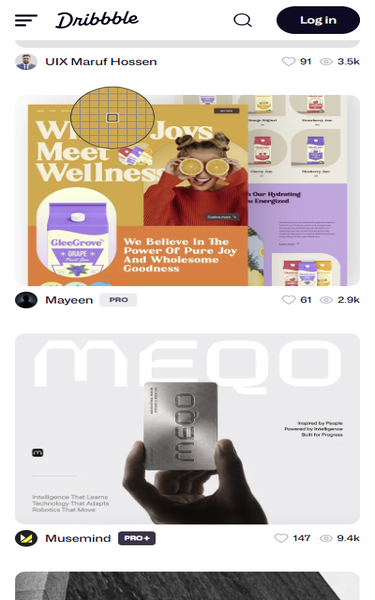
Extract brand colors from a reference website, compare the palette behind its interface, and save the useful values for a redesign, competitor review, or frontend implementation.
✓ Free forever · No credit card required
A calmer way to build color systems
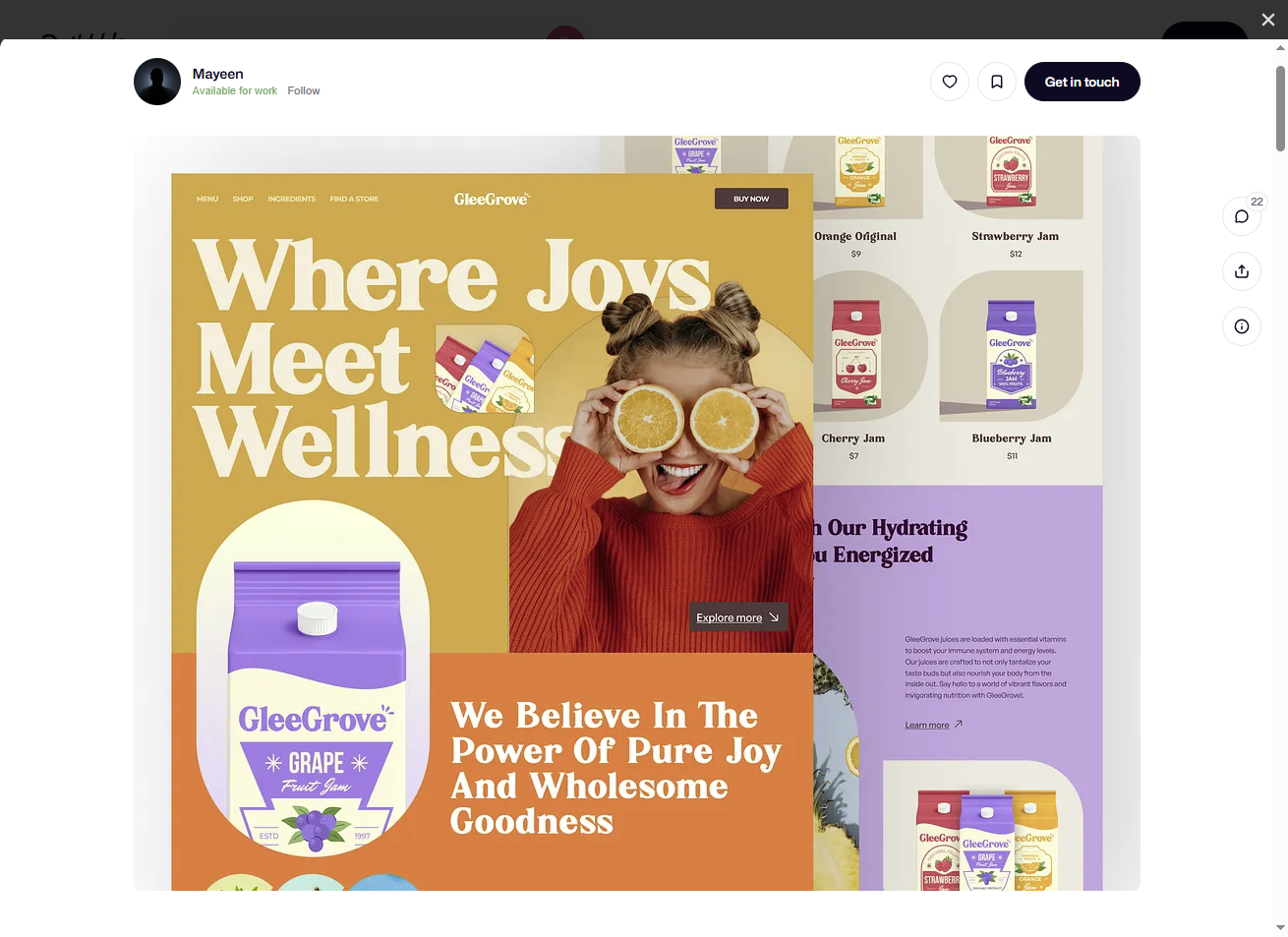
When a website is your reference, one-off color picks are not enough. Brand colors, surfaces, borders, text, and accents are spread across the page, making competitor analysis and visual refresh work difficult to track.
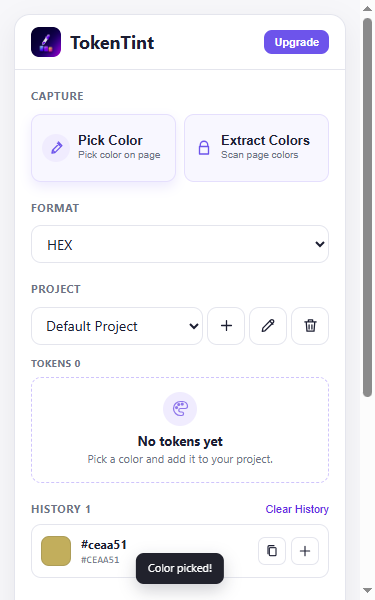
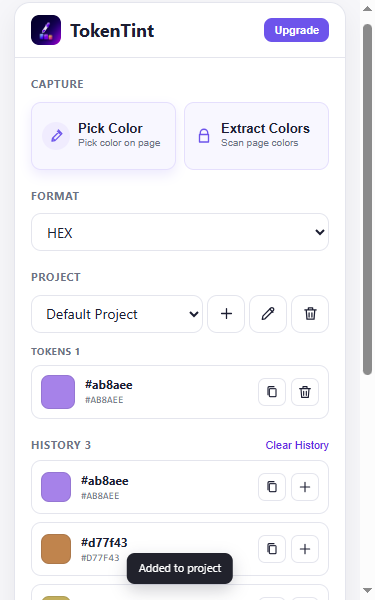
TokenTint lets you sample colors from a reference website, review them together in history, and save the useful set to a project palette. For broader research, Pro can extract key page colors so you can start from a palette instead of clicking every color one at a time.
A better color workflow
Built for momentum
Pro workflow
For competitor research and brand references, Pro turns a reference page into a reusable color palette across multiple projects and developer-ready formats.
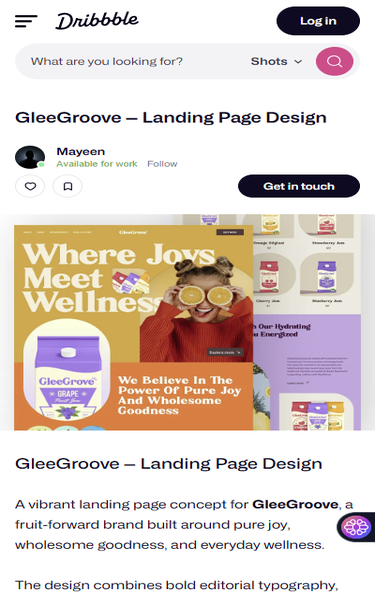
Start with a specific project or landing page you want to study, then open TokenTint while it is active.
Explore workflow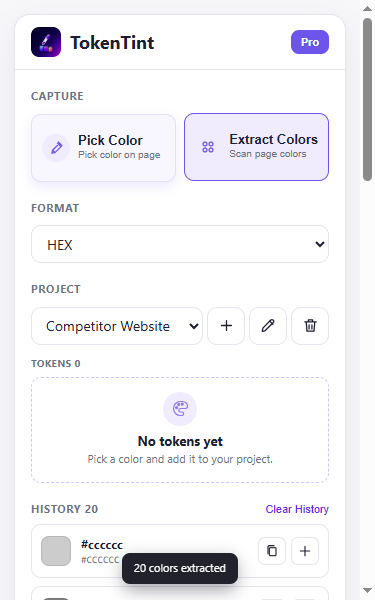
Scan the active page for a broader starting palette instead of picking every color one by one.
Explore workflow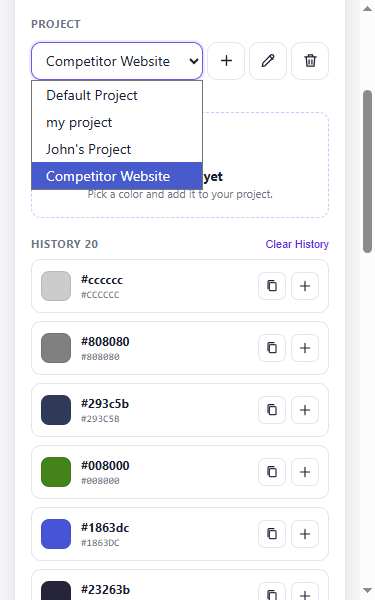
Switch between separate palettes for competitors, brands, products, and redesign directions.
Explore workflow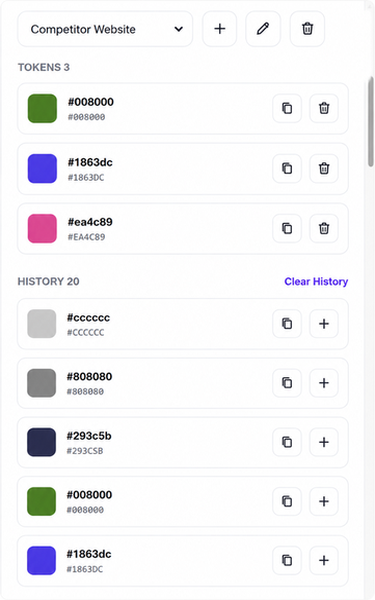
Choose representative colors and keep several tokens together in the selected project.
Explore workflow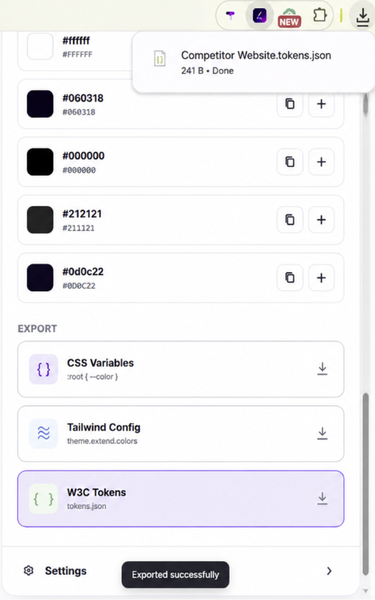
Export the selected palette as CSS Variables, Tailwind Config, or W3C Design Tokens.
Explore workflowWhy TokenTint instead of a basic color picker? a reference-page palette is more useful than a list of isolated HEX values: it keeps the colors you found together so you can compare a brand reference and carry the visual direction into your own work.
It is a browser-based workflow for collecting colors from a website. TokenTint runs as a Chrome extension so you can sample colors while viewing the reference page.
Open the reference page, collect its brand, surface, text, border, and accent colors, then review the values together and save the useful set to a project palette. Pro can extract key page colors as a broader starting point.
Sample the key brand, surface, text, border, and accent colors, review them together in history, then save the useful set to a separate project palette for comparison.
Pro can extract key colors from the active page as a starting palette. Free focuses on deliberate manual sampling and reuse.
Yes. CSS Variables export is included in Free. Pro also exports Tailwind Config and W3C Design Tokens.