01
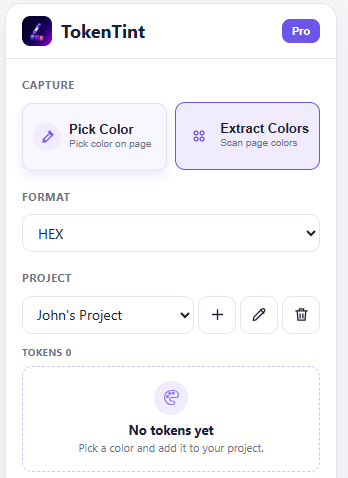
Pick Color
Pick colors directly from webpages in HEX, RGB, or HSL.
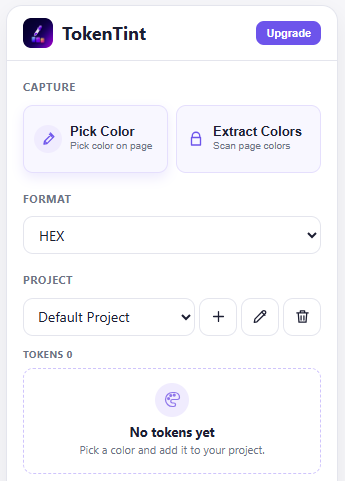
Chrome color picker for design tokens
TokenTint is a Chrome extension that captures colors from any webpage, saves them to project palettes, and exports CSS Variables, Tailwind Config, or W3C Design Tokens.
●No account required · Free features work offline
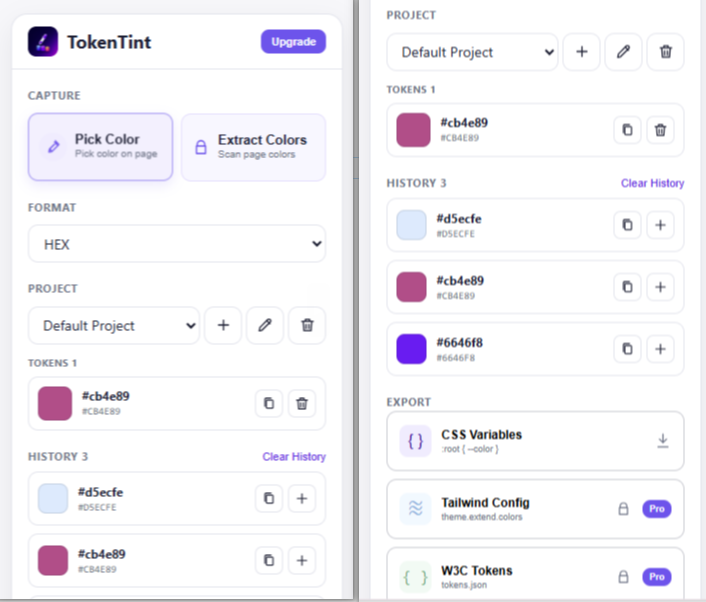
FREE FOR OCCASIONAL WORK
For designers and developers who need to collect a few colors while browsing and keep them ready for the next task.
Pick colors directly from webpages in HEX, RGB, or HSL.
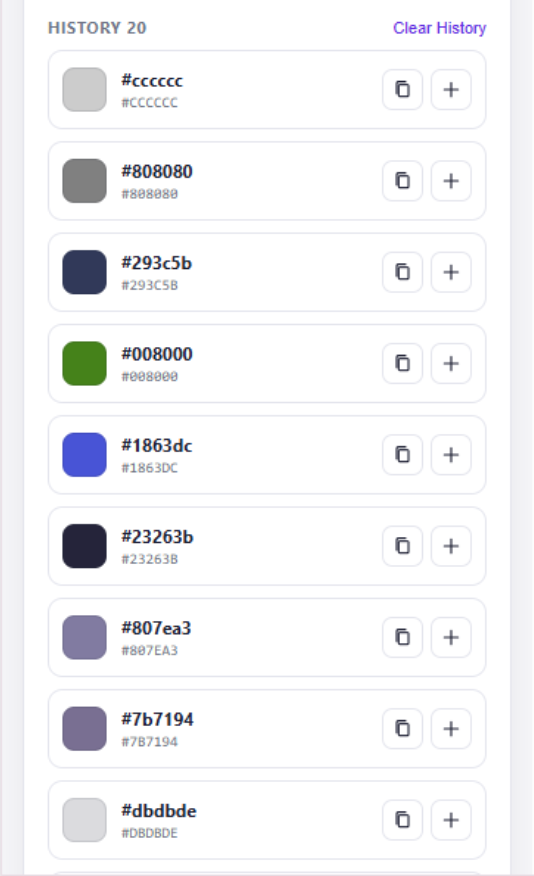
Keep the last 20 colors together instead of losing them in copied notes.
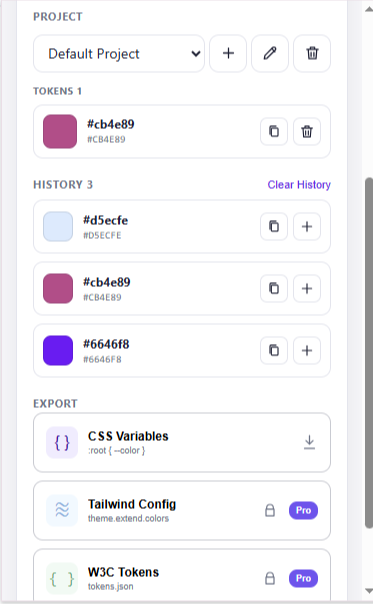
Build one reusable project palette and export CSS Variables when ready.
PRO FOR REPEATED WORK
For competitor research, brand work, and design token workflows: scan pages faster, manage multiple palettes, and hand code-ready color tokens to development.
Pro · $15 one-time purchase
Extract key colors from a webpage instead of picking them one by one.
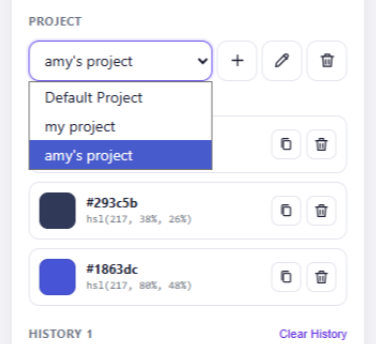
Keep separate palettes for different sites, brands, and products.
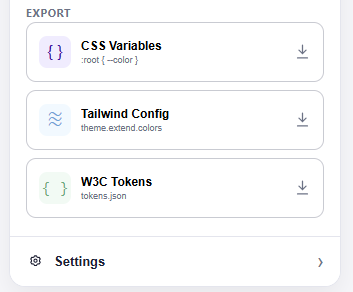
Export CSS Variables, Tailwind Config, or W3C Design Tokens for your codebase.
FROM COLOR TO CODE
Capture colors from a real interface, then take a project palette into the format your codebase already uses.
:root {
  --color-brand: #635BFF;
  --color-surface: #F7F8FB;
  --color-text: #10131A;
}CHOOSE YOUR WORKFLOW